“`html
Introduction: The Best IPTV Tips for Seniors in Canada
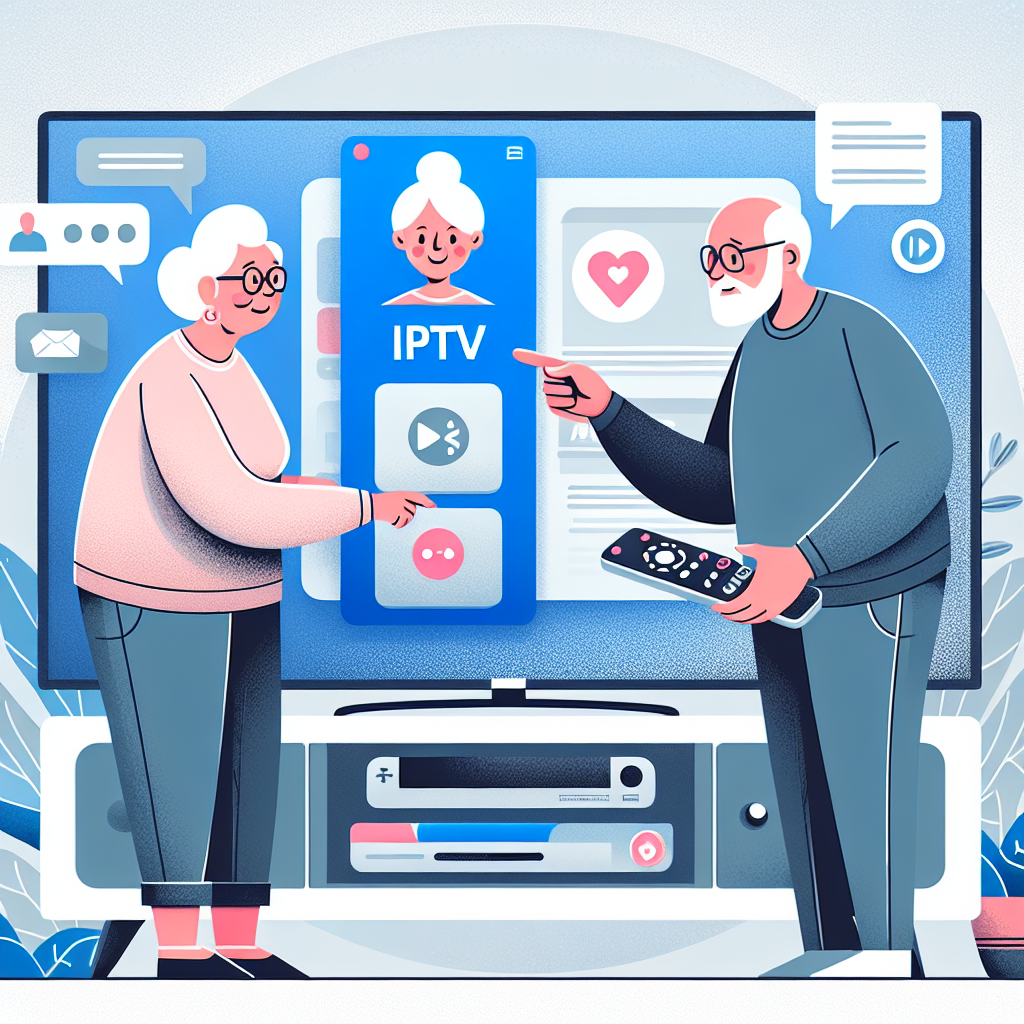
The best IPTV tips for seniors are those that make watching television simple, enjoyable, and stress-free. Many Canadian seniors are switching to IPTV because it offers more channels, easier navigation, and lower monthly costs compared to traditional cable. Yet, the learning curve can feel intimidating at first. This guide removes that complexity with clear explanations, step-by-step advice, and practical recommendations.
This long-form guide walks you through everything from device selection to safety, simple remotes, accessibility settings, and troubleshooting. Whether you are helping a parent, a neighbour, or exploring IPTV for yourself, you will find this resource extremely valuable.
What Is IPTV and Why It’s Ideal for Seniors?
IPTV stands for Internet Protocol Television, a modern way to watch TV channels using your home internet connection instead of cable or satellite. It is flexible, easy to customize, and usually more affordable. Seniors especially appreciate that IPTV provides access to international channels, radio streams, and on-demand content—all in one place.
Benefits Seniors Appreciate Most
- Lower monthly cost compared to traditional cable packages.
- More channels, including specialty programs and international options.
- Easy-to-read menus on most IPTV apps.
- Remote control customization for simpler navigation.
- Larger selection of movies and shows on demand.
Clarifying the Learning Curve
Some seniors worry about switching to an unfamiliar system. However, modern IPTV devices are straightforward once set up properly. With the right remote and interface settings, IPTV can even be easier to use than cable boxes that come with complicated menus.
Choosing the Right IPTV Device for Seniors
One of the most important steps is selecting a device that is both powerful and easy to use. Many devices work for IPTV, but not all are equally senior-friendly.
Recommended Devices for Seniors
- Android TV boxes with clean interfaces.
- Amazon Fire TV Stick and Fire TV Stick 4K.
- Smart TVs with built-in IPTV app support.
If you want a deeper look at devices, you can explore a full breakdown of the best devices for IPTV in 2025, which compares the top-performing models.
The Importance of a Simple Remote Control
Many seniors find the standard remotes overwhelming because they include dozens of unnecessary buttons. Seniors benefit greatly from remotes that feature only the essentials.
Look for remotes that include:
- Large, high-contrast buttons.
- Volume, power, and directional arrows only.
- A dedicated “Home” button.
- Backlighting for evening use.
Best IPTV Apps for Seniors
Choosing the right IPTV app is crucial. Some apps are extremely clean and easy to use, while others can overwhelm with too many menus or complex playlist options.
Qualities of Senior-Friendly IPTV Apps
- Large fonts and high-contrast icons.
- Simple channel lists.
- Favorites system for custom lists.
- Clear on-screen buttons with labels.
- Minimal settings to avoid confusion.
For beginners, it’s worth reviewing resources designed specifically for easy setups, such as the guide to the best IPTV apps for beginners.
Why Some Apps Are Better Than Others
Not all apps perform the same across all devices. Some lag or freeze, which can frustrate seniors. Others have overly technical menus. Apps with simple layouts and reliable performance are ideal for stress-free viewing.
Internet Requirements for IPTV
Stable internet is essential for IPTV. Even the best device or app will lose quality if the internet connection is weak or inconsistent. Seniors may not always know how fast their internet is, so caregivers should help verify this.
Recommended Internet Speed
- 10 Mbps for SD-quality viewing.
- 25 Mbps for HD channels.
- 50 Mbps or more for multiple users or 4K content.
If you need guidance on selecting a reliable provider, consider reviewing the list of the best internet providers in Canada for IPTV. Reliable service makes a dramatic difference in the viewing experience.
Improving Your Wi-Fi Performance
- Use wired Ethernet connections when possible.
- Place the router in a central location.
- Avoid hiding the router behind furniture.
- Upgrade aging modems or routers.
- Consider using mesh systems in larger homes.
Step-by-Step IPTV Setup Guide for Seniors
Setting up IPTV can feel complicated, but following organized steps makes the process smooth. Ideally, a family member should help during the initial configuration.
Step 1: Connect the Device to the TV
Use the HDMI cable included with most devices. Plug one end into the device and the other into the HDMI port on the TV. Choose the correct HDMI input using the TV remote.
Step 2: Connect to the Internet
Most devices connect automatically to your Wi-Fi during setup. Choose the correct network name and enter the password. For seniors, wired connections may offer more stability.
Step 3: Install the IPTV App
Open the device’s app store and install the chosen IPTV app. Avoid apps with confusing graphics or too many settings.
Step 4: Enter IPTV Subscription Details
The IPTV provider will supply a code, login, or M3U link. Enter this carefully. Once completed, channels should load automatically.
Step 5: Save Channels to Favorites
This is one of the most senior-friendly features. Favorites reduce clutter and make it easy to find the most-watched channels.
Best IPTV Tips for Seniors to Simplify Everyday Use
The following best IPTV tips for seniors help make daily use easier, safer, and more enjoyable. Even small adjustments can dramatically improve the overall experience.
Tip 1: Create a Custom Home Screen
Arrange the device so that IPTV and other important apps appear at the top. Hide or delete unnecessary apps that may cause confusion.
Tip 2: Increase Text Size and Contrast
Most devices include accessibility options. Larger fonts help with readability, while high-contrast themes make icons clearer.
Tip 3: Use Voice Search When Available
On Fire TV and Android TV, seniors can press a microphone button and say the channel or movie name. This removes the need to type.
Tip 4: Create a Channel Favorites List
Help seniors organize their most-watched channels into a single list. This reduces browsing time and keeps the viewing experience enjoyable.
Tip 5: Set Automatic Updates
Updates help fix bugs, improve performance, and add new features. Ensure automatic updates are turned on so seniors never have to manage them manually.
Tip 6: Save Login Information
Many IPTV apps require periodic logins. Keep the credentials stored in a safe place so seniors do not have to re-enter them from scratch.
Tip 7: Turn On Parental Controls (When Needed)
If grandchildren or visitors use the TV, parental controls prevent accidental purchases or access to restricted content.
Common IPTV Problems Seniors Face and How to Fix Them
Even with a good setup, occasional issues can arise. The good news is that most IPTV problems are simple and quick to fix.
Buffering or Freezing
Buffering is the most common issue. Thankfully, it usually has an easy solution.
- Restart the app.
- Restart the router.
- Connect using Ethernet instead of Wi-Fi.
- Lower the streaming quality if the internet is slow.
No Channels Loading
This usually means the subscription code has expired or the playlist was not entered correctly. Re-enter the details or contact the IPTV provider.
Audio but No Video
If seniors hear sound but see no picture, try switching channels. If the issue persists, restart the device or reinstall the app.
Remote Not Responding
Replace the batteries, ensure no objects are blocking the infrared sensor, or pair the remote again if it is Bluetooth-based.
Accessibility Features That Greatly Benefit Seniors
Most modern IPTV devices include accessibility features designed for seniors or individuals with visual or mobility challenges.
High-Contrast Mode
Makes text and icons easier to see, especially on older TVs with lower brightness.
Screen Magnification
Seniors can magnify text on menus for easier navigation.
Audio Descriptions
Some apps offer audio narration that describes what is happening on screen, useful for visually impaired viewers.
Hearing Aid Compatibility
Some smart TVs and devices support Bluetooth hearing aids, allowing for clearer audio without turning up the volume too high.
Safety Tips to Protect Seniors Using IPTV
IPTV is generally safe, but seniors can fall victim to online scams if not careful. These tips help keep their accounts and devices secure.
Use Strong Passwords
Even a simple phrase with numbers and symbols is far better than a weak password.
Beware of Fake Support Websites
Seniors should always rely on official support pages or trusted family members when seeking help.
Avoid Clicking Unknown Pop-Ups
Some apps may display ads. Seniors should avoid clicking unfamiliar offers or banners.
Keep Software Updated
Updates help prevent vulnerabilities and maintain optimal device performance.
Helpful Accessories That Improve the IPTV Experience
A few accessories can greatly enhance comfort and ease for seniors using IPTV.
Backlit Remotes
These are ideal for evening viewing and help seniors avoid pressing the wrong buttons.
HDMI Switchers
Useful for seniors with multiple devices connected to one TV. Switchers make changing inputs easier.
Wireless Headphones
Provide clear sound for seniors who have difficulty hearing soft dialogue.
TV Mounting Solutions
Mounting the TV at eye level helps reduce neck strain and improves overall viewing.
When to Consider Upgrading IPTV Equipment
Over time, technology improves, and older devices may struggle to keep up. Seniors benefit from smooth performance, so upgrading periodically is wise.
Signs It’s Time to Upgrade
- Apps are noticeably slow or crash often.
- The remote becomes unresponsive.
- New apps are no longer supported.
- The device cannot handle HD or 4K streams smoothly.
Best Replacement Strategy
Upgrading every three to four years ensures seniors enjoy a stable and modern IPTV experience with minimal frustration.
Conclusion: Empowering Seniors With the Best IPTV Tips
As this guide shows, the best IPTV tips for seniors focus on simplicity, comfort, and reliability. With the right device, suitable app, and helpful accessibility settings, IPTV can become an enjoyable upgrade from traditional cable. Seniors across Canada are discovering how much easier it is to watch their favourite programs with IPTV once everything is properly set up.
By following these best IPTV tips for seniors, viewers gain confidence, independence, and a smoother entertainment experience. Whether you are assisting a loved one or exploring IPTV options yourself, the guidance in this article provides everything needed to make IPTV simple and stress-free.
“`