Introduction: How IPTV Works (Technical Overview) for Canadian Viewers
The world of streaming has changed rapidly, and many Canadians now ask one key question: how IPTV works (technical overview) in a real, practical sense. Internet Protocol Television, or IPTV, delivers television content in a fundamentally different way compared to cable or satellite. Instead of relying on broadcast signals, IPTV uses internet-based data packets to deliver channels, movies, and on‑demand content.
This long-form guide offers a complete technical breakdown designed for both beginners and advanced users. Whether you’re choosing a new IPTV device or optimizing your home network, you’ll gain a deeper understanding of how everything works behind the scenes.
What Exactly Is IPTV and How Does It Work?
IPTV stands for Internet Protocol Television. It uses standard internet technologies to send TV content over your home connection. In other words, your TV channels are transformed into digital data and streamed to your device.
Instead of “tuning in,” you “request” content, similar to how YouTube or Netflix operates. But IPTV is more flexible because it can deliver live channels, on‑demand libraries, time-shifted TV, and more through one system.
The Three Main Types of IPTV Services
- Live IPTV – Real-time streaming of broadcast channels.
- VOD (Video on Demand) – Movies, series, and shows available anytime.
- Catch-Up TV – Replay content from previous hours or days.
Each type uses similar technology under the hood but handles data differently depending on whether the stream is real-time or pre‑encoded.
The Technical Infrastructure Behind IPTV
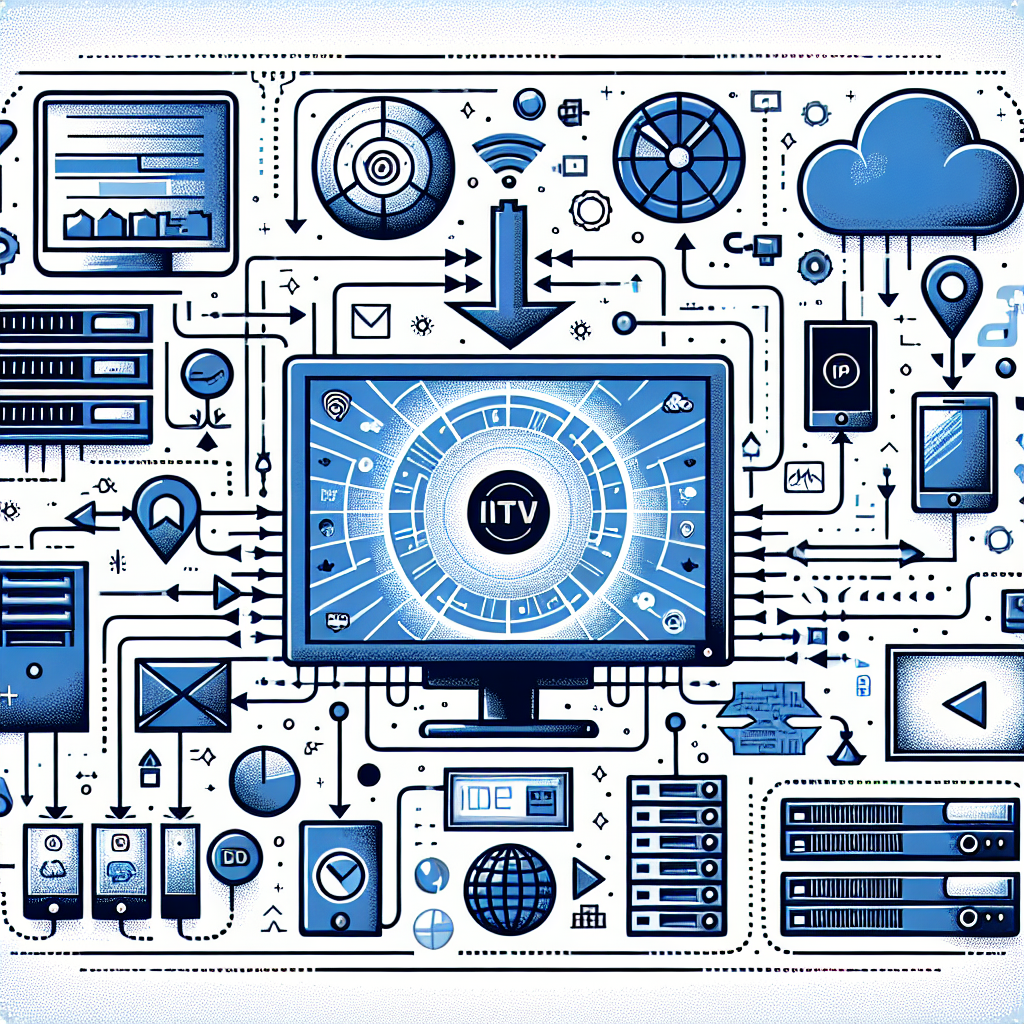
Understanding how IPTV works (technical overview) requires exploring the full delivery chain. IPTV runs on an ecosystem of servers, network protocols, data packets, and decoding devices. Every step ensures smooth video delivery over your internet connection.
1. Content Acquisition
IPTV providers begin by capturing live TV channels or securing licensed media sources. This typically includes satellite feeds, broadcast signals, and digital media files. Specialized hardware encoders convert this content into digital formats suitable for distribution.
2. Encoding and Transcoding
The captured content must be compressed before distribution. Common codecs include H.264, H.265, and AV1. These codecs reduce file size while maintaining quality.
Video is often transcoded at multiple bitrates to support different internet speeds and devices. This process enables adaptive bitrate streaming, where the video quality automatically adjusts based on network performance.
3. IPTV Middleware
Middleware is the software layer that organizes channels, user accounts, playlists, and streaming rules. Think of it as the “control center” that manages everything from EPG (Electronic Program Guide) data to device authentication.
When you open your IPTV app and see the channel list, VOD categories, or account info, that’s middleware working behind the scenes.
4. CDN (Content Delivery Network)
CDNs distribute content across multiple servers worldwide. Instead of one central server streaming to all users, CDN nodes allow Canadian viewers to connect to the nearest server, resulting in:
- lower latency
- reduced buffering
- better video stability
5. Delivery Protocols: How IPTV Travels Over the Internet
IPTV uses a range of internet protocols, including:
- HTTP Live Streaming (HLS) – Most common; uses small video chunks.
- MPEG-DASH – A modern adaptive bitrate format.
- RTMP / RTSP – Older protocols still used in some systems.
These protocols negotiate the flow of video from the server to your device. HLS is widely used because it works smoothly across Android, Firestick, iOS, and smart TVs.
Your Internet Connection and IPTV Performance
Even the best IPTV provider cannot overcome a poor home internet setup. That’s why understanding how IPTV works includes understanding how bandwidth, router placement, and Wi‑Fi technology impact performance.
Minimum Speeds for Smooth IPTV Streaming
- SD quality: 3–5 Mbps
- HD quality: 10–20 Mbps
- 4K content: 25–50+ Mbps
In Canada, most households use cable or fiber connections, which generally meet these requirements.
Why Ping and Latency Matter More Than Mbps
Latency determines how quickly your device receives data from the server. Lower latency equals faster buffering and better channel switching. IPTV often feels slower on networks with high ping even if they offer high download speeds.
Choosing a Strong ISP for IPTV
For Canadians searching for optimal IPTV performance, fiber internet is ideal. To compare leading providers, see this guide on the best internet providers in Canada for IPTV.
How IPTV Devices Work: Decoding and Playback
Your IPTV device is the final link in the chain. It receives the data stream, decodes it, and displays it on your screen. Popular devices include Android TV boxes, Firestick, smart TVs, iPhones, and MAG boxes.
Why Your Device Matters
Stronger processors result in smoother navigation and faster channel switching. Devices with modern Wi‑Fi standards (Wi‑Fi 5 or Wi‑Fi 6) also reduce buffering.
The Role of IPTV Apps
IPTV apps decode playlists, manage streams, and interface with middleware. Different apps use different buffering algorithms, which can greatly influence stream stability.
Android users can explore the latest recommendations in this article on the best IPTV apps for Android in 2025.
Hardware Considerations
Some boxes are optimized for IPTV, while others perform inconsistently. For example, users looking for stability often choose premium Android-based IPTV set-top boxes. See the latest list of best devices for IPTV in 2025 to help match your setup with reliable hardware.
Inside the Data Flow: Step-by-Step Technical Breakdown
To fully understand how IPTV works (technical overview), here is a clear step-by-step look at the entire data journey from provider to screen.
Step 1: You Select a Channel
Your IPTV app sends a request to the server using a streaming protocol (usually HLS or DASH). This triggers a handshake that authenticates your device and grants access.
Step 2: The Server Sends Video Segments
With HLS, the server sends the video as small chunks—typically 2‑10 seconds long. These segments are temporarily stored in your device’s buffer.
Step 3: The Client App Decodes the Stream
Using your CPU/GPU, the app decodes the compressed video. Higher resolutions require more processing power, which explains why older devices may struggle with 4K streams.
Step 4: Adaptive Bitrate Adjusts Quality in Real Time
If your internet speed drops, the app automatically switches to a lower bitrate. This prevents interruptions but may reduce quality briefly.
Step 5: The Video Displays Smoothly
Finally, your TV or device renders the video on screen. As long as the buffer stays full and the connection remains stable, playback remains smooth.
How IPTV Differs From Cable and Satellite
Cable transmits signals through coaxial lines. Satellite beams them from orbit. IPTV delivers them as digital data over the internet. Each system has unique strengths.
Benefits of IPTV vs. Cable/Satellite
- More flexibility and portability
- Greater channel variety
- Works on multiple devices
- Access to VOD and catch-up features
Downsides to Consider
- Dependent on your internet quality
- Potential buffering if network is congested
- Device compatibility varies by app
Common Technical Issues and How to Fix Them
Even with the best setup, issues occasionally arise. Understanding the root causes is key to quick troubleshooting.
1. Buffering
Usually caused by low bandwidth, high latency, or weak Wi‑Fi signals.
2. Channels Not Loading
Often due to outdated playlists, server congestion, or ISP-level throttling.
3. Audio/Video Out of Sync
May occur when your device struggles to decode high-resolution streams.
4. App Crashes
Common on older devices with limited RAM or storage.
Best Practices for an Optimal IPTV Setup
Setting up IPTV properly makes a huge difference in long-term performance.
Upgrade Your Hardware
A powerful device ensures smoother decoding and futureproof streaming. Canadian users often prefer Android TV devices or Firestick 4K models.
Use Ethernet When Possible
A wired connection eliminates Wi‑Fi interference and reduces latency.
Optimize Your Router
- Enable QoS (Quality of Service)
- Switch to the 5 GHz Wi‑Fi band
- Update firmware regularly
Choose the Right App
Your IPTV app has a major effect on decoding performance. Some apps buffer more efficiently, while others offer a cleaner interface or advanced tweaker settings.
Why Understanding IPTV Technology Matters
By learning how IPTV works on a technical level, you gain the ability to troubleshoot your own system, choose the right devices, and optimize your home network. As IPTV evolves across Canada, understanding the technology behind it becomes even more valuable.
Conclusion: A Clear View of How IPTV Works (Technical Overview)
Now that you understand how IPTV works (technical overview), the entire streaming ecosystem becomes much easier to navigate. From content acquisition to decoding on your device, every component plays a critical role in delivering smooth, high-quality entertainment.
Whether you’re selecting new hardware, optimizing your Wi‑Fi, or simply wanting to know how your streams reach your screen, the insights in this guide provide the complete technical foundation. As IPTV continues growing across Canada in 2025 and beyond, knowing how IPTV works (technical overview) ensures you get the best possible experience every time you press play.