
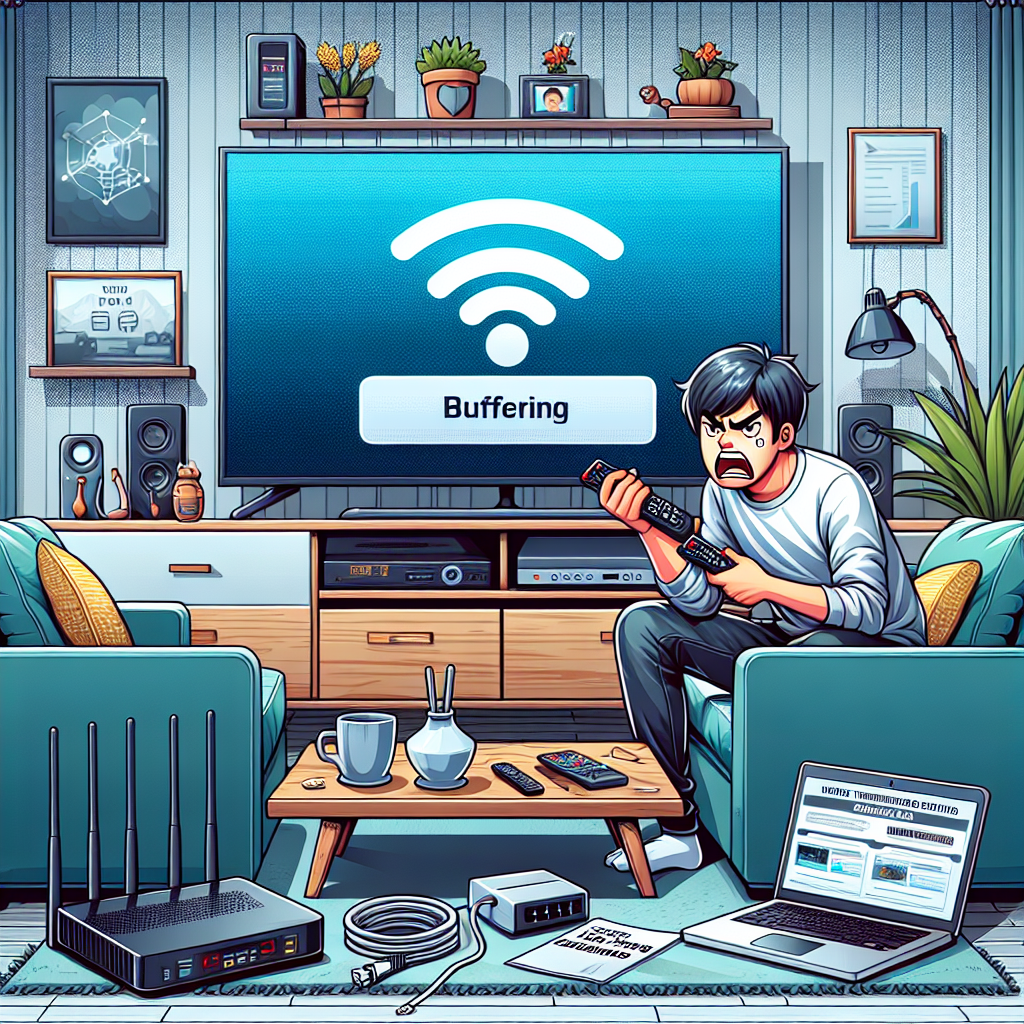
Introduction: How to Fix IPTV Buffering Issues in 2025
If you are tired of your IPTV stream freezing, stuttering, or endlessly loading, this guide will show you exactly how to fix IPTV buffering issues with clear, practical, step‑by‑step solutions. Many Canadian viewers deal with occasional buffering, but persistent issues almost always have a clear cause and a reliable fix.
This long-form guide explains what actually causes buffering, how to diagnose the root of the problem, and the most effective ways to stop IPTV buffering permanently. If you want a smooth, interruption‑free IPTV experience, you will find every answer right here.
What Causes IPTV Buffering Issues?
Before you learn how to fix IPTV buffering issues, it helps to understand why they happen. IPTV streaming relies on multiple elements working correctly at the same time, and a problem in any of them can create slowdowns or freezing.
1. Weak or unstable internet connection
This is the number one cause of IPTV buffering in Canada. Even when you pay for a fast plan, your real speed may fluctuate depending on time of day, Wi-Fi interference, or poor quality cabling.
2. Overloaded IPTV server
If the IPTV service provider is managing too many users on the same server, buffering can appear, especially during peak hours like evenings and weekends.
3. Poor device performance
Your streaming device can also be the bottleneck. Older Android boxes, low‑end TVs, and outdated apps may struggle to keep up with HD or 4K streaming.
4. Bad Wi‑Fi signal or interference
Thick walls, microwaves, cordless phones, and distance from the router can weaken your Wi‑Fi signal and trigger buffering.
5. ISP throttling
Some Canadian internet providers reduce streaming bandwidth when they detect high‑volume use. This is more common on budget plans or congested networks.
6. Incorrect IPTV app settings
The wrong video player, buffer size, or codec settings can easily create avoidable buffering.
How to Fix IPTV Buffering Issues: A Complete Step-by-Step Guide
This is where the real solutions begin. The next sections explain exactly how to fix IPTV buffering issues with actionable steps you can use immediately.
1. Test your internet speed and stability
Start by confirming whether your connection has enough bandwidth. For IPTV, you should aim for the following minimum real‑world speeds:
- SD streaming: 5 Mbps
- HD streaming: 10–15 Mbps
- Full HD streaming: 20–25 Mbps
- 4K streaming: 40+ Mbps
Use tools like Speedtest or Fast.com. Test at different times to see if your speed drops during the evening. If your ISP is consistently slower than promised, this is likely the source of your buffering.
If you need help selecting a reliable provider, you can check this guide on the best internet providers in Canada for IPTV.
2. Use a wired connection instead of Wi‑Fi
A wired Ethernet connection is the easiest and most effective way to eliminate IPTV buffering instantly. Wi‑Fi is convenient, but it is less stable and more prone to interference.
Connect your TV, Android box, or streaming device directly to the router using an Ethernet cable. This alone solves buffering for 70% of users.
3. Move your router or upgrade your Wi‑Fi setup
If Ethernet is not possible, improve your Wi‑Fi signal:
- Move the router to a central location
- Avoid placing it inside cabinets
- Switch to a 5 GHz network for higher speed
- Reduce interference from other devices
- Update the router firmware regularly
For large homes, consider using a mesh Wi‑Fi system, which provides even coverage and prevents signal drops that cause buffering.
4. Reboot your modem, router, and streaming device
It may sound too simple, but rebooting clears cache, resets network errors, and forces reconnection to a faster channel. Rebooting your router once per week is a healthy practice for all IPTV users.
5. Choose a powerful device for IPTV streaming
Older devices struggle with modern IPTV streams. CPU bottlenecks, low RAM, and slow Wi‑Fi chips can all cause buffering.
Consider upgrading to a modern device. If you’re unsure which device to buy, you can check the list of the best devices for IPTV in 2025 or look at recommendations for the best Android TV boxes for IPTV.
6. Switch video players in your IPTV app
Most IPTV apps allow you to choose between different players such as MX Player, VLC, ExoPlayer, or their internal player. Switching players can dramatically reduce buffering because each handles streams differently.
Try testing the following:
- MX Player (best for older devices)
- VLC (best for mixed formats)
- ExoPlayer (best for Android TV and modern devices)
7. Reduce the stream quality temporarily
If your internet speed is unstable, lowering the quality can stop buffering immediately. Instead of 4K, try 1080p or 720p until your connection is more stable.
8. Clear cache in your IPTV app
If the app’s cache becomes full, it can slow down performance and cause freezing. Clear cache regularly from your device’s settings.
9. Update your IPTV app
Developers constantly improve stability and fix issues. Using an outdated version can lead to unnecessary buffering.
10. Check if your IPTV provider is overloaded
If your internet is stable and your device is strong but buffering still happens, the problem may be on the provider’s side. Try testing multiple channels. If all channels freeze, especially during peak hours, the server may be overloaded.
11. Use a VPN if your ISP is throttling IPTV traffic
Some ISPs limit bandwidth for certain types of streaming. A VPN encrypts your traffic, preventing throttling and restoring your full speed.
Choose a VPN server that is close to your location for maximum speed.
12. Close background apps and free device resources
Other apps running in the background can reduce available power and memory. This is especially true for older Android boxes and smart TVs. Close all unused apps before launching IPTV.
13. Increase buffer size in your IPTV app
Some apps let you increase buffer length. A larger buffer can smooth out short connection drops, reducing freezing while watching live TV.
14. Replace or upgrade HDMI cables
It may sound unrelated, but faulty HDMI cables can cause screen freezing or flickering that looks like buffering. Always use a certified high‑speed HDMI cable for best results.
15. Ensure your device has enough storage
Low storage can make apps lag. Delete unused apps, clear temporary files, or add external USB storage if supported.
Advanced Troubleshooting for IPTV Buffering
If you tried all basic solutions and still experience issues, the next advanced tips can help you identify more complex problems.
Check for packet loss
Packet loss happens when some of the data sent to your device never arrives. Even 1–2% packet loss can cause severe buffering. Use online tools or router diagnostics to test it.
Use different DNS servers
DNS can influence how fast your device connects to IPTV servers. Switch to one of the following fast DNS providers:
- Google DNS (8.8.8.8, 8.8.4.4)
- Cloudflare DNS (1.1.1.1)
- OpenDNS (208.67.222.222, 208.67.220.220)
Analyze router QoS settings
Quality of Service (QoS) lets you prioritize IPTV traffic. Enable QoS and assign IPTV apps or devices as top priority.
Install firmware updates on your router or device
New firmware improves connectivity, fixes bugs, and optimizes performance for modern streaming standards.
When to Contact Your IPTV Provider
Sometimes the issue is beyond your control. Contact your IPTV provider if:
- All channels buffer even with strong internet
- VOD content freezes constantly
- Server change or refresh does not help
- Your subscription panel shows server outages
Preventing IPTV Buffering Issues in the Future
Prevention is the best long‑term strategy. Here are smart habits to avoid IPTV interruptions:
- Reboot your router weekly
- Keep your IPTV app updated
- Use wired Ethernet when possible
- Limit the number of devices streaming at the same time
- Use modern and efficient IPTV apps
- Upgrade your internet plan if you regularly watch 4K channels
Best Apps to Minimize Buffering
Some IPTV apps handle streams better than others. If you experience frequent issues, switching apps may fix everything instantly.
You can explore recommendations in this guide to the best IPTV apps for Android in 2025.
Frequently Asked Questions About IPTV Buffering
Does IPTV always buffer?
No. A properly configured IPTV setup with a strong internet connection and a modern device should run smoothly without interruptions.
Why does IPTV buffer at night?
Evening hours have more users online, which can overload both ISP networks and IPTV servers.
Does a VPN stop buffering?
A VPN can help if your ISP is throttling IPTV or if you need more stable server routing. But it will not fix issues caused by weak Wi‑Fi or a slow device.
Is 5 GHz better for IPTV?
Yes. 5 GHz Wi‑Fi provides faster speeds with less interference, but it has a shorter range than 2.4 GHz.
Conclusion: How to Fix IPTV Buffering Issues for Good
Now that you understand how to fix IPTV buffering issues with proven, practical methods, you can enjoy a smooth and stable viewing experience. Whether the problem comes from your Wi‑Fi, ISP, device, or IPTV provider, each solution in this guide helps you identify and eliminate the root cause.
By using the right device, optimizing your internet setup, selecting the best apps, and ensuring your IPTV service is stable, you can prevent buffering in the long run and enjoy reliable streaming every day. If you ever run into the same challenge again, simply return to this guide to remember how to fix IPTV buffering issues quickly and effectively.