
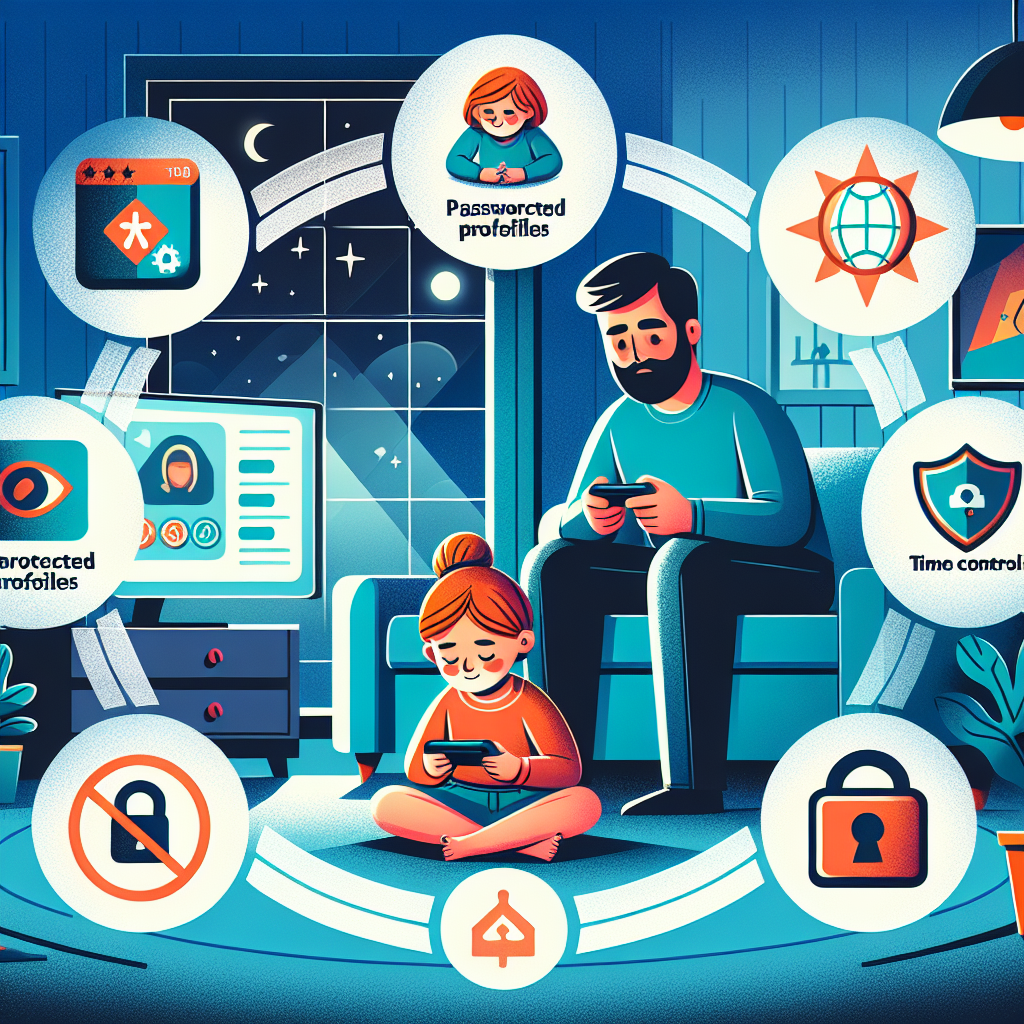
Understanding How to Protect Kids While Using IPTV
Knowing how to protect kids while using IPTV has become an essential part of modern parenting, especially as more Canadian households rely on streaming instead of traditional cable. IPTV offers flexibility, endless content, and the ability to stream almost anything on any device. Yet with that freedom comes serious responsibility for parents.
Unlike cable TV, IPTV does not always come with built‑in content restrictions. Children can access mature movies, adult channels, violent content, and unmoderated online streams if proper settings are not in place. That is why every caregiver must learn how to protect kids while using IPTV by combining device settings, parental controls, online safety habits, and household rules.
This guide explains everything in clear steps, offering tips for all ages and all streaming setups. By the end, you will know exactly how to secure your IPTV system and create a safer digital experience for your family.
Why IPTV Requires Extra Precautions for Kids
Parents who are used to cable may assume restraining content is automatic. IPTV works differently. Most IPTV apps and devices allow users to load custom playlists or M3U links, and these are not filtered. This means inappropriate channels or video-on-demand titles may appear without warning.
Understanding these risks helps you take smarter precautions. IPTV safety is not about fear—it is about informed, confident decision-making.
Key Risks for Kids When Using IPTV
- Accidental exposure to adult or violent programming.
- Access to unmoderated live channels and VOD menus.
- In-app purchases or subscription changes without permission.
- Exposure to online ads or unsafe external links.
- Late-night or unsupervised streaming leading to unhealthy habits.
These risks are common but fully manageable with the right setup.
Setting Up the Right Devices to Protect Kids
Your device plays a major role in how easy it is to enable parental controls. Some platforms offer powerful built-in kid profiles, while others rely entirely on app settings.
If you are choosing a new device, you may want to compare options and select one that supports restricted profiles. For example, Android TV and Fire TV usually provide better parental control features than older Smart TV operating systems.
Choosing Safer IPTV Devices
Parents can significantly improve safety by selecting hardware that supports modern restrictions. Devices like the Chromecast with Google TV, Amazon Fire Stick, or Shield TV offer excellent controls, including PIN protection and app-level restrictions.
For more details on compatible options, you may find the guide on the best Android TV boxes for IPTV helpful when selecting a secure streaming setup.
Setting Up Kid Profiles and Restricted Access
Most devices allow you to create a kid profile that automatically blocks apps, protects settings, and filters content by rating. While the exact menu depends on your system, the setup steps usually include the following:
- Create a child profile on the device.
- Set age limits and content ratings.
- Require a PIN or password to switch profiles.
- Disable app installation from unknown sources.
- Lock system settings to prevent tampering.
Once these settings are active, your IPTV apps will operate inside a safer environment.
Using Parental Controls Inside IPTV Apps
Knowing how to protect kids while using IPTV also requires configuring protections inside the apps themselves. Most IPTV players include security features, but they are rarely activated by default.
Common IPTV Parental Control Features
- Locking adult categories with a PIN.
- Blocking specific channels.
- Hiding entire folders or VOD categories.
- Setting up separate playlists for kids.
Although every app is different, one constant rule applies: always use a PIN. An IPTV app without a PIN is an unlocked door.
How to Create a Child-Friendly IPTV Playlist
If your provider allows custom playlists, you can build a separate M3U containing only family-appropriate channels. This creates a clean, filtered environment with no distractions or risks.
Popular IPTV apps such as TiviMate, IPTV Smarters, and XCIPTV usually allow the creation of multiple profiles, which makes playlist separation straightforward.
Using Network and Router Settings to Improve Safety
Many parents overlook router-level protections even though these controls protect every device in the home. Filtering content at the network level prevents kids from accessing inappropriate sites, apps, or streams, even if app-level settings fail.
Enabling Router-Based Parental Controls
Most modern routers include free parental control tools. These tools can block adult content, restrict specific domains, and limit streaming hours.
- Log into your router dashboard.
- Locate parental controls or access restrictions.
- Set filters for adult content or unsafe categories.
- Create schedules for device usage.
- Assign controls to your child’s devices only.
Adding a Family-Friendly DNS Filter
DNS filters block unsafe or adult content at the domain level. Many parents use free services such as Cloudflare Family or OpenDNS Family Shield. Once configured, all devices connected to your Wi-Fi inherit the protections automatically.
This is a highly effective tool when learning how to protect kids while using IPTV because it filters everything—apps, browsers, and external links.
Teaching Kids Safe Streaming Habits
Technology alone cannot guarantee safety. Parents need to combine controls with simple digital safety lessons. These conversations help children understand boundaries and develop healthy online habits.
Important Streaming Rules to Teach Children
- Never click on ads or unfamiliar links inside streaming apps.
- Always ask permission before opening new channels.
- Stick to approved profiles or playlists only.
- Report anything uncomfortable or confusing right away.
- Understand the difference between age-appropriate and restricted content.
Kids who understand these guidelines are far less likely to stumble into risky content.
Managing Screen Time on IPTV Devices
Even if children only watch family-friendly content, screen time must be balanced. Excessive TV viewing can affect sleep, focus, and mood. Many IPTV devices include built-in timers that can help enforce limits automatically.
How to Set IPTV Screen-Time Limits
- Use the device’s timer or downtime feature.
- Establish daily streaming hours for weekdays and weekends.
- Enable automatic shutdown when time expires.
- Use router scheduling to block IPTV apps at night.
These tools reinforce household rules and remove the conflict of constant reminders.
Choosing the Right IPTV Apps for Families
Some apps are better suited for young viewers because they offer cleaner interfaces, stronger filters, or better control over channel organization. If your current IPTV app lacks essential safety features, switching to a more robust alternative can make a big difference.
For recommendations on user-friendly and secure apps, explore guides such as the best IPTV apps for beginners, which highlight simple, reliable options ideal for families.
Features to Look For in Kid-Safe IPTV Apps
- Profile creation for different family members.
- PIN protection for settings and adult categories.
- Support for separate playlists.
- Clear navigation without intrusive ads.
- Automatic channel categorization.
Building a Safe IPTV Setup for Canadian Households
Every Canadian household is different, but a safe IPTV configuration follows a predictable structure: controlled device access, protected apps, reliable network rules, and clear family guidelines.
A Model IPTV Safety Setup
- Use a secure device like an Android TV box or Fire Stick.
- Install a family-friendly IPTV app.
- Create a dedicated child profile on the device.
- Lock all adult content with a PIN.
- Load a kid-focused playlist for your young viewer.
- Activate router parental controls and DNS filtering.
- Schedule screen-time rules to reinforce structure.
Ensuring Stable and Safe Streaming Quality
Safety also includes reliability. A stable Internet connection avoids frozen screens, unwanted errors, or the need for kids to troubleshoot or explore settings. Families benefit from pairing IPTV with a dependable high-speed connection.
For advice on securing a strong connection, you may want to review the list of the best Internet providers in Canada for IPTV, especially if streaming interruptions are common in your home.
Monitoring and Adjusting Your IPTV Safety Strategy
Parental controls must evolve as kids grow. What works for a six-year-old may be insufficient for a twelve-year-old. You can review settings regularly and adjust restrictions as needed.
When to Review IPTV Safety Settings
- When switching IPTV providers.
- After installing a new streaming device.
- Whenever your child reaches a new age milestone.
- If your playlist or channel list changes.
- If you notice unusual streaming activity.
Quarterly checkups ensure your system remains aligned with your family’s needs.
Frequently Asked Questions for Parents
Can kids bypass IPTV restrictions easily?
If your device and app settings are properly configured with unique PINs, bypassing restrictions becomes extremely difficult. Most mistakes happen when parents reuse simple codes or forget to lock settings.
Should I rely only on the IPTV app for protection?
No. App-level controls are helpful but should be paired with device limits and router filters for best results. Multiple layers of protection are far more effective than relying on a single tool.
Do Canadian IPTV services include built-in child safety features?
Some do, but many do not. Because IPTV playlists vary widely, parents must take responsibility for configuring controls manually to guarantee a safe environment.
Final Thoughts: How to Protect Kids While Using IPTV Effectively
Learning how to protect kids while using IPTV is not complicated when you have the right approach. By selecting safe devices, securing IPTV apps with PINs, enabling network filters, and teaching kids responsible habits, you can create a streaming environment that is fun, educational, and safe.
Whether your family uses IPTV for cartoons, movies, or live channels, this layered strategy ensures young viewers see only what is appropriate. With regular review and strong household rules, every parent can confidently manage their IPTV system and safeguard their children.
If you follow these guidelines, you will always know how to protect kids while using IPTV and maintain a balanced, secure, and enjoyable experience for the entire household.