Introduction: Firestick vs Android Box for IPTV in Canada
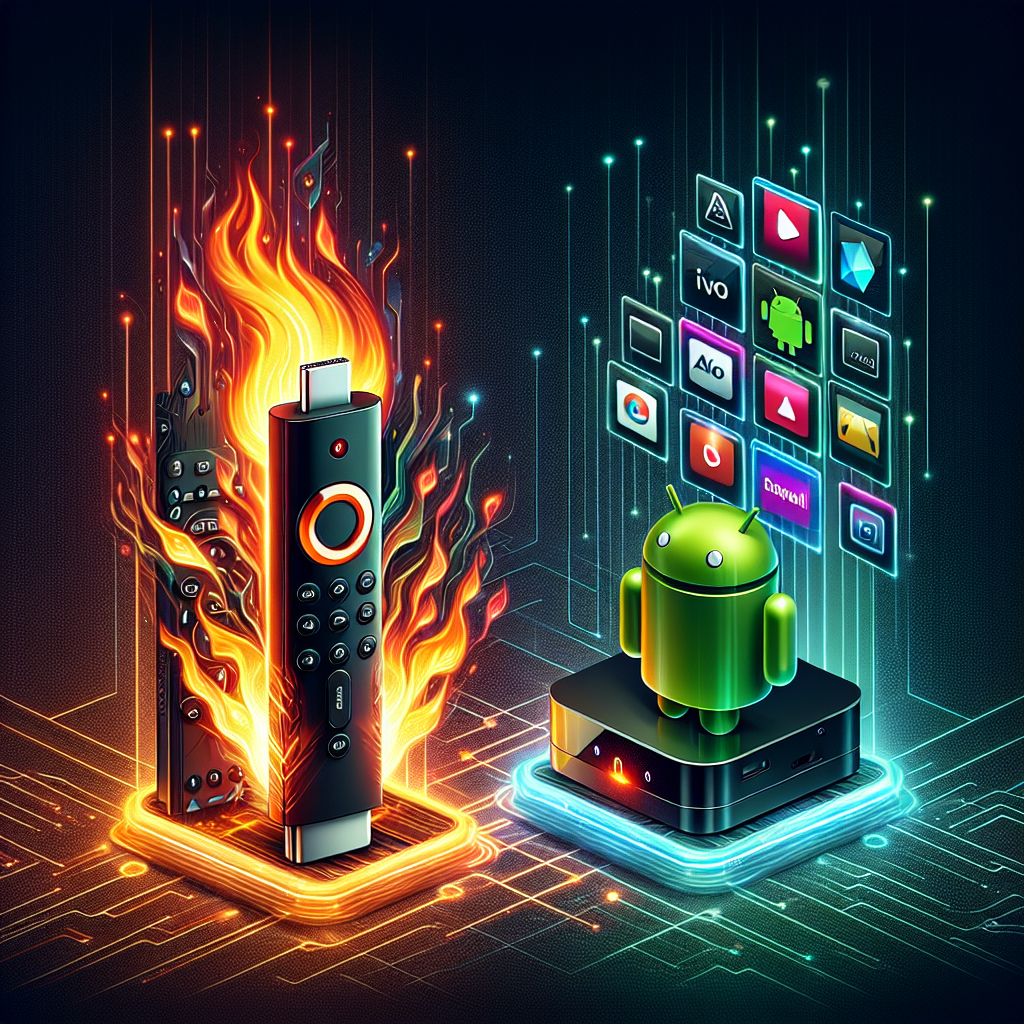
The conversation around firestick vs android box for IPTV has grown rapidly in Canada as more viewers switch from traditional cable to IPTV streaming. Both devices offer powerful ways to watch live TV, movies, and sports, but they perform differently when tested in real Canadian households. Internet speeds, app compatibility, regional restrictions, and performance expectations all influence which device is truly the better choice.
This comprehensive guide is built to give you everything you need to know before choosing a streaming device. Whether you’re new to IPTV or upgrading your existing setup, this comparison breaks down real-world performance, technical considerations, and setup tips that most other guides overlook.
What Matters Most When Choosing a Device for IPTV?
Before comparing the Firestick and Android box directly, it’s important to understand what makes an IPTV device actually good. Many issues—buffering, app crashes, slow menus—come from the hardware, not the IPTV provider.
Key Performance Factors
- Processing power (CPU)
- RAM capacity
- Storage space
- WiFi strength and stability
- Compatibility with IPTV apps
- Ease of use and reliability
- Video playback capabilities (4K, HDR, frame rates)
These factors help determine whether a device performs flawlessly or struggles with IPTV channels, especially sports streams and 4K content.
Firestick Overview
The Amazon Fire TV Stick is one of the most popular streaming devices in Canada. It’s small, affordable, and user-friendly. For many new IPTV users, a Firestick is the first device they try.
Pros of Using a Firestick for IPTV
- Affordable, typically under $60
- Easy to use and highly beginner-friendly
- Fast setup and clean user interface
- Great for lightweight IPTV usage
- Strong app support, including most IPTV players
Cons of Using a Firestick for IPTV
- Limited storage (8–16 GB)
- Lower RAM compared to Android boxes
- Can slow down over time with heavy usage
- Interface dominated by Amazon ads and recommendations
- Some apps need to be sideloaded
The Firestick is designed for simplicity, but that simplicity also limits power users who want higher performance, advanced apps, or better multitasking.
Android Box Overview
Android TV boxes come in many forms—from powerful Nvidia Shield units to budget-friendly generic boxes. The biggest advantage is freedom: full Android capabilities, more storage, and more powerful hardware.
Pros of Using an Android Box for IPTV
- More processing power for smooth IPTV playback
- Large storage options for apps and files
- Expandable storage through SD cards or USB ports
- Better performance for 4K and sports streams
- True Android apps without sideloading
- Customizable interface and settings
Cons of Using an Android Box for IPTV
- Quality varies massively depending on the brand
- Can be more expensive than a Firestick
- User interface is sometimes less polished
- Cheaper boxes can overheat or freeze
If you’re considering an Android box, it’s important to choose a good model. A well-reviewed box will outperform a Firestick, but a cheap one may not.
For recommendations on strong Android streaming hardware, check out this guide on the best Android TV boxes for IPTV.
Firestick vs Android Box for IPTV: Head-to-Head Comparison
Here is a detailed comparison of the two devices based on real-world streaming scenarios.
Performance and Speed
Android boxes usually win this category. Even mid-range Android boxes often come with more RAM and stronger chipsets, which means smoother IPTV channel switching, faster app loading, and better performance under heavy use.
The Firestick works well for casual streaming but struggles with large channel lists, sports streams requiring higher frame rates, and multitasking between apps.
App Compatibility for IPTV
Android boxes have greater app flexibility. Since they run full Android OS, you can install any IPTV app—including those not available on the Amazon Appstore. Firesticks can still run most IPTV apps, but advanced players sometimes require sideloading.
If you want help choosing the right app, explore this guide on the best IPTV apps for Android.
Video Quality
Both devices support 4K streaming, but Android boxes often deliver better frame stability, fewer buffering issues, and enhanced HDR support. Sports fans will notice a difference, especially during high-motion scenes.
Storage & Expandability
The Firestick is limited, with no built-in expandable storage. Android boxes overwhelmingly win here: SD cards, USB drives, and large internal storage options allow more apps and smoother operation.
WiFi Connectivity
Connectivity depends on the model, but many Android boxes include Ethernet ports—a major advantage for IPTV. Firesticks rely entirely on WiFi unless you add a separate adapter.
If you want to optimize your internet for IPTV, see the guide on the best internet providers in Canada for IPTV.
User Experience
- Firestick: Clean, simple interface but Amazon-centric.
- Android box: Fully customizable but may require more technical knowledge.
Beginners often prefer Firestick, while experienced users enjoy the flexibility of Android boxes.
Which Device Performs Better for Canadian IPTV Users?
Both options work, but they serve different types of IPTV viewers. Canadians with fast internet and higher streaming expectations will likely benefit more from an Android box. Those who want simplicity or portability may prefer the Firestick.
Best for Beginners
Firestick is the clear winner. Its easy setup and smooth interface reduce frustration, especially for new IPTV users or older adults.
Best for Power Users
Android boxes outshine Firestick in performance, flexibility, and overall power. High-end boxes deliver near-perfect playback and long-term stability.
Best for 4K Streaming
Both work, but Android boxes handle demanding streams more reliably, especially with Ethernet connectivity.
Best for Live Sports
Android boxes again take the lead due to better frame rate consistency and hardware acceleration.
Setup Difficulty: Firestick vs Android Box
Firestick Setup
Setup is quick and painless. Plug it in, connect WiFi, and install apps. Most IPTV guides online are written with Firestick in mind because it’s the most common device used.
Android Box Setup
Setup requires slightly more technical comfort. You may navigate more menus and settings, but once configured, the device becomes a powerful streaming hub.
IPTV Apps: Which Are Better on Each Device?
Most IPTV apps run on both devices, but Android boxes provide more flexibility due to full Android OS support.
Firestick IPTV App Experience
Apps optimized for Amazon devices perform well, but sideloaded apps sometimes behave unpredictably.
Android Box IPTV App Experience
Android boxes excel with advanced IPTV players and apps requiring more RAM or processing power.
Recommendations
- Android users: Check recommended apps in the Android IPTV app guide.
- Firestick users: Consider apps listed in guides specifically for Firestick (if available on the site).
Longevity and Reliability
Firesticks tend to slow down after heavy use. Overheating and low storage contribute to performance drops. Android boxes last longer due to stronger hardware, better cooling, and more customization options.
High-end Android boxes such as Nvidia Shield can last anywhere from five to ten years.
Price Comparison
Firesticks are very affordable. Android boxes range widely in price based on hardware quality.
Typical Price Ranges
- Firestick: $40–$80 CAD
- Mid-Range Android Box: $70–$150 CAD
- High-End Android Box: $200–$350 CAD
Choosing the right price tier depends on how seriously you use IPTV. Frequent streaming, sports viewing, or 4K content generally justify investing in a better Android box.
Common Questions About Firestick vs Android Box for IPTV
Do both devices work with all IPTV providers?
Yes, as long as you use the correct IPTV app. Some apps are optimized for specific devices, but compatibility is generally wide.
Which device has fewer buffering issues?
Android boxes with Ethernet have fewer buffering problems because wired internet is more stable.
Does the Firestick overheat?
It can during extended 4K streaming or in warm rooms. Android boxes often include larger cooling systems.
Are Android boxes safe to use?
Yes, provided you buy a reputable brand. Cheap boxed devices may ship with outdated firmware or malware, so buying from trustworthy retailers is important.
Detailed Comparison Table
| Feature | Firestick | Android Box |
|---|---|---|
| Price | Low | Medium to High |
| Performance | Moderate | High |
| App Compatibility | Good | Excellent |
| Storage | Limited | Expandable |
| Ease of Use | Excellent | Good |
| Best For | Beginners | Advanced Users |
Which Device Should You Choose?
Now that we’ve broken down every major aspect of the firestick vs android box for IPTV debate, the choice becomes clear when matched to user needs.
Choose Firestick If:
- You want a simple, affordable solution
- You stream casually or watch standard channels
- You prefer easy installation and straightforward menus
- You’re not concerned with heavy multitasking or advanced apps
Choose Android Box If:
- You stream daily or for long periods
- You want smoother sports and 4K performance
- You prefer Ethernet for stable IPTV viewing
- You want more app freedom and customization
- You dislike limitations on storage or sideloading
Final Verdict: Firestick vs Android Box for IPTV in Canada
Choosing between a Firestick and an Android box ultimately comes down to how you use IPTV. The Firestick is user-friendly, portable, and cost-effective, making it a safe choice for beginners. However, for serious IPTV viewers who want consistent performance, better video quality, and long-term reliability, an Android box is the superior option.
As the demand for high-quality IPTV grows across Canada, the flexibility and power of Android boxes make them the better investment for most households. But no matter which device you choose, understanding your own streaming needs is the key to enjoying smooth, reliable IPTV.
In summary, the debate over firestick vs android box for IPTV depends on comfort, expectations, and performance needs—making the final choice personal but easier with the right information.