Introduction: Why a Perfect Home Streaming Setup Matters in 2025
Understanding how to create the perfect home streaming setup has become essential for Canadians who love movies, live TV, sports, and binge-worthy series. With streaming platforms and IPTV services offering more content than ever, your home setup plays a major role in video quality, reliability, and overall viewing enjoyment.
Canadians now stream more than any previous year, and the difference between a basic setup and a properly optimized one can be night and day. This guide will walk you through every component, step, and decision you need to build a professional-level streaming environment at home—without needing an engineering degree.
Whether you live in a small apartment, a family home, or a multi-device household, this complete guide gives you everything you need to know about how to create the perfect home streaming setup with confidence.
Understanding the Core Components of an Ideal Streaming Setup
Before buying anything, it’s crucial to know the core elements of a high-quality streaming system. Each component affects the others, so thinking of your setup as an ecosystem helps you avoid mismatches or bottlenecks.
Your Streaming Device
The streaming device is the engine of your setup. It determines app compatibility, processing speed, and long-term reliability. From Android TV boxes to Apple TV to Firestick, each offers a unique mix of power and stability. Many Canadians prefer Android-based devices because they often support more streaming apps and IPTV players.
If you want a deeper comparison of the top hardware choices, explore this helpful guide on the best devices for IPTV in 2025.
Your TV or Monitor
Your screen plays a major role in clarity, color accuracy, and motion smoothness. Even the best streaming app looks bad if your TV can’t handle high dynamic range or motion interpolation. Most modern setups benefit from a 4K HDR TV, but even a budget-friendly model can perform well with proper calibration.
Your Internet Connection
Your internet is the bloodstream of your streaming system. Without a stable and fast connection, buffering, freezing, and low-quality streams are inevitable. In Canada, internet quality varies significantly by area, so it’s worth choosing a provider optimized for streaming.
If you need help, you can check out this resource on the best internet providers in Canada for IPTV.
Your Apps and Streaming Players
Even with the best hardware, you need reliable apps that can decode video smoothly. Some apps are perfect for beginners, while others offer advanced settings for power users. A well-chosen app can reduce lag, optimize picture quality, and improve channel navigation.
Step-by-Step Guide on How to Create the Perfect Home Streaming Setup
Now that you understand the components, let’s walk through each step of building the perfect environment. These steps apply to all streaming types—IPTV, Netflix, Prime Video, Disney+, YouTube, and more.
Step 1: Choose the Right Streaming Device
Your streaming box or stick will determine how smooth your viewing experience is. While older TVs sometimes come with built-in apps, they often underperform due to outdated processors and limited memory.
Recommended Device Types
- Android TV boxes for flexibility, power, and app availability.
- Apple TV for smooth performance and a simple interface.
- Amazon Fire TV devices for affordability and ease of use.
Key Specs to Consider
- Minimum 4GB RAM for smooth multitasking.
- At least 32GB storage for apps and updates.
- Support for 4K HDR or Dolby Vision.
- Fast Wi-Fi 5 or Wi-Fi 6 compatibility.
If you’re considering Android devices specifically, this article on the best Android TV boxes for IPTV can help you compare top models.
Step 2: Optimize Your Internet Connection
A reliable connection is essential. Even if your device and TV are high-end, a poor connection will ruin your experience. Canadians in rural areas often struggle with inconsistent speeds, making Ethernet connections or mesh networks invaluable.
Recommended Internet Speeds
- 10 Mbps per device for 1080p streaming.
- 25 Mbps per device for consistent 4K streaming.
- 50+ Mbps for large households with multiple streamers.
Wi-Fi vs. Ethernet
Whenever possible, connect your streaming device directly to the router using Ethernet. It eliminates interference and dramatically reduces buffering. If Ethernet isn’t an option, consider upgrading to a Wi-Fi 6 router.
Step 3: Select High-Quality Streaming Apps
The right app ensures smooth playback and advanced customization. This is where many setups fail—people choose apps that are outdated, buggy, or incompatible with their device.
Choosing the Best Apps
- Look for apps that support hardware decoding.
- Choose apps with customizable buffering or cache settings.
- Ensure the app matches your device’s operating system.
Different platforms require different apps. You can learn more by checking resources such as recommendations for the best IPTV apps for Android in 2025.
Step 4: Upgrade Your TV or Monitor
Your screen determines how content looks. A good TV doesn’t need to be expensive, but it should support modern standards. If possible, choose a TV with at least 4K, HDR10, and solid upscaling technology.
Features That Matter
- High Dynamic Range support.
- Motion smoothing controls for sports.
- Wide color gamut for more realistic images.
- Low input lag for responsive navigation.
Recommended Sizes
- 40–50 inches for small rooms.
- 55–65 inches for living rooms.
- 75+ inches for home-theatre setups.
Step 5: Improve Your Audio Setup
Audio is often underestimated. Even a basic soundbar will dramatically improve immersion compared to built-in TV speakers. For movie lovers, surround sound or Dolby Atmos systems provide theatre-like experiences.
Audio Setup Options
- Soundbar with subwoofer for simple improvement.
- 5.1 surround system for rich cinema audio.
- Dolby Atmos soundbars for advanced immersion.
- Bluetooth speakers for small rooms.
Step 6: Configure Your Streaming Device for Optimal Performance
After assembling your hardware, you need to configure your device to avoid lag, freezing, or degraded quality. These adjustments only take a few minutes but offer long-term benefits.
Essential Settings
- Enable hardware acceleration.
- Clear cache on apps regularly.
- Adjust display output to match your TV’s resolution.
- Disable unused background apps.
- Update apps and firmware frequently.
Network Optimization Tips
- Place your router in an open area.
- Avoid thick walls and metal furniture.
- Use a mesh system for large homes.
- Set up a dedicated streaming Wi-Fi network.
Step 7: Fine-Tune Video Display Settings
Even the best TV requires calibration for optimal picture quality. Most TVs come in “store mode,” which exaggerates brightness and color. Proper calibration makes content look more natural.
Recommended Adjustments
- Switch picture mode to Cinema or Movie.
- Reduce motion smoothing to avoid the soap opera effect.
- Set brightness and contrast for your room lighting.
- Disable artificial sharpening.
Step 8: Build a Comfortable Streaming Environment
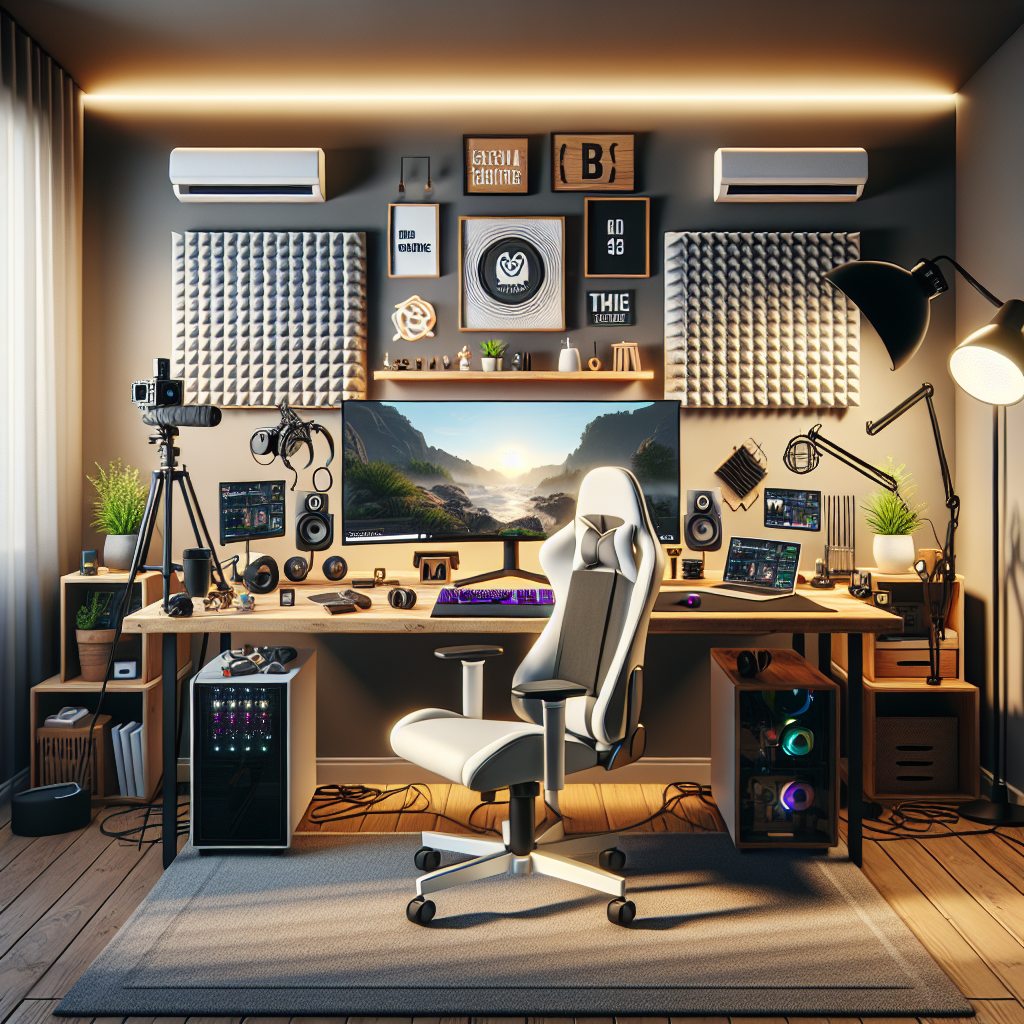
Comfort completes the experience. Positioning, lighting, and decor all impact how enjoyable your setup feels. A well-designed space enhances immersion and prevents eye strain.
Key Comfort Elements
- Soft LED backlighting behind the TV.
- A comfortable couch or recliner.
- Proper viewing distance based on screen size.
- Dark curtains for reducing glare.
- Minimal background noise.
Step 9: Prepare for Multi-Device Households
Many Canadian homes now have multiple users streaming simultaneously. This requires planning to avoid network congestion and device conflicts.
Multi-User Tips
- Use dual-band or tri-band routers.
- Assign bandwidth priority to your streaming device.
- Label remotes and devices to avoid confusion.
- Use parental controls for kids’ profiles.
Step 10: Keep Your Setup Future-Proof
Technology evolves quickly. Building a setup that lasts ensures you save money and avoid frequent upgrades. With the right choices, your device and internet setup can easily stay relevant for years.
Future-Proofing Strategies
- Choose devices with strong processors.
- Prioritize Wi-Fi 6 or Ethernet compatibility.
- Use apps that receive frequent updates.
- Invest in a high-quality router.
Common Problems and How to Solve Them
Even the best setups can encounter issues. Here’s how to fix the most common streaming problems quickly and effectively.
Buffering
- Switch to Ethernet.
- Restart your router.
- Lower resolution temporarily.
- Reduce other devices on the network.
Low Video Quality
- Check your app’s quality settings.
- Verify your internet speed.
- Clear cache on your device.
Freezing or App Crashing
- Update apps.
- Restart the streaming device.
- Uninstall unused applications.
Conclusion: Build the Ultimate Streaming Experience
Now you know how to create the perfect home streaming setup using the right devices, apps, internet configuration, and comfort adjustments. Whether you’re streaming movies, IPTV channels, live sports, or classic shows, a properly designed setup will give you exceptional performance every day.
With the right equipment, optimized settings, and stable internet, your home can become the ultimate entertainment hub. Keep revisiting your setup over time, add new devices, and make adjustments as technology evolves. Understanding how to create the perfect home streaming setup ensures you stay ahead and enjoy the best possible streaming experience.